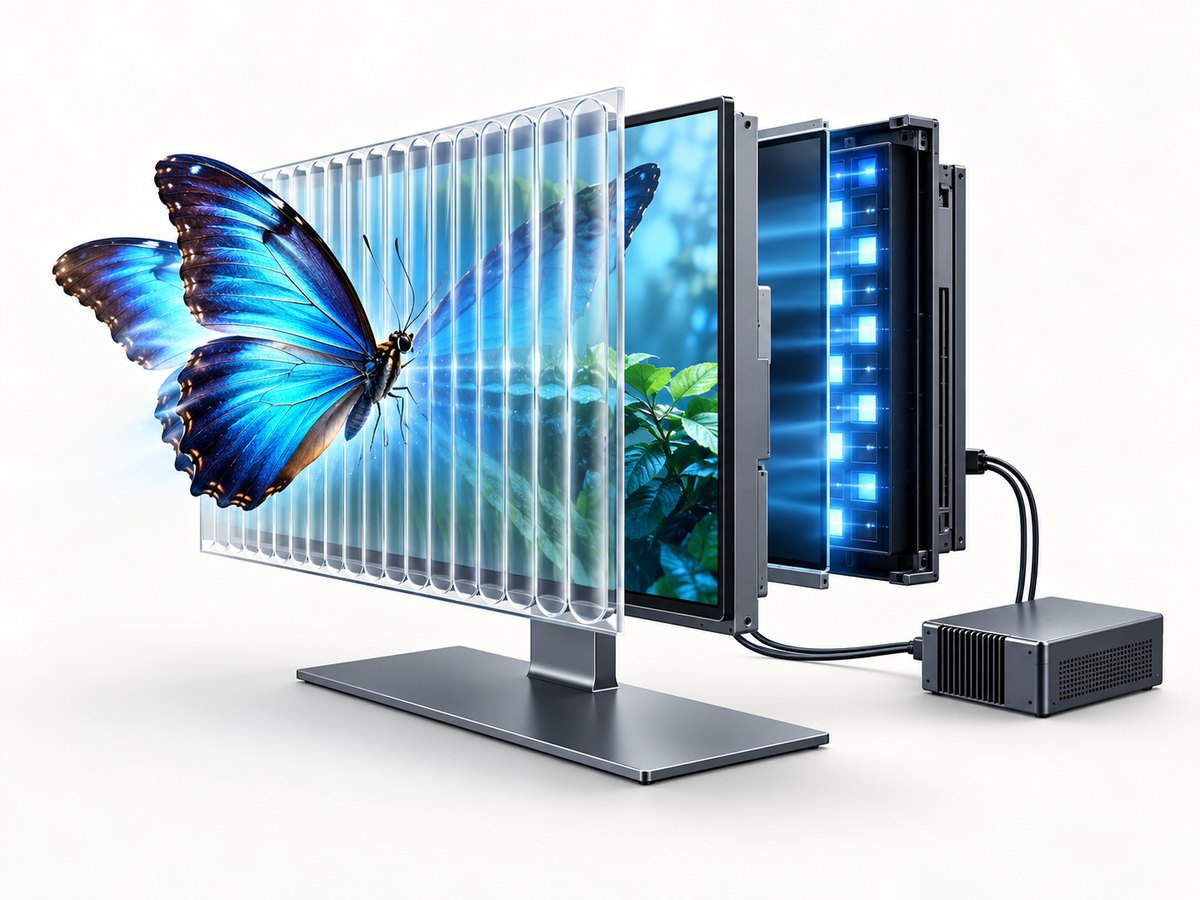
Depth you can see, no glasses.
Lenticular 3D optics on a 4K panel, lit by an EB-LCM Mini-LED FALD backlight. Bright zones push the subject forward, dark zones fall away, and the image seems to float off the screen.
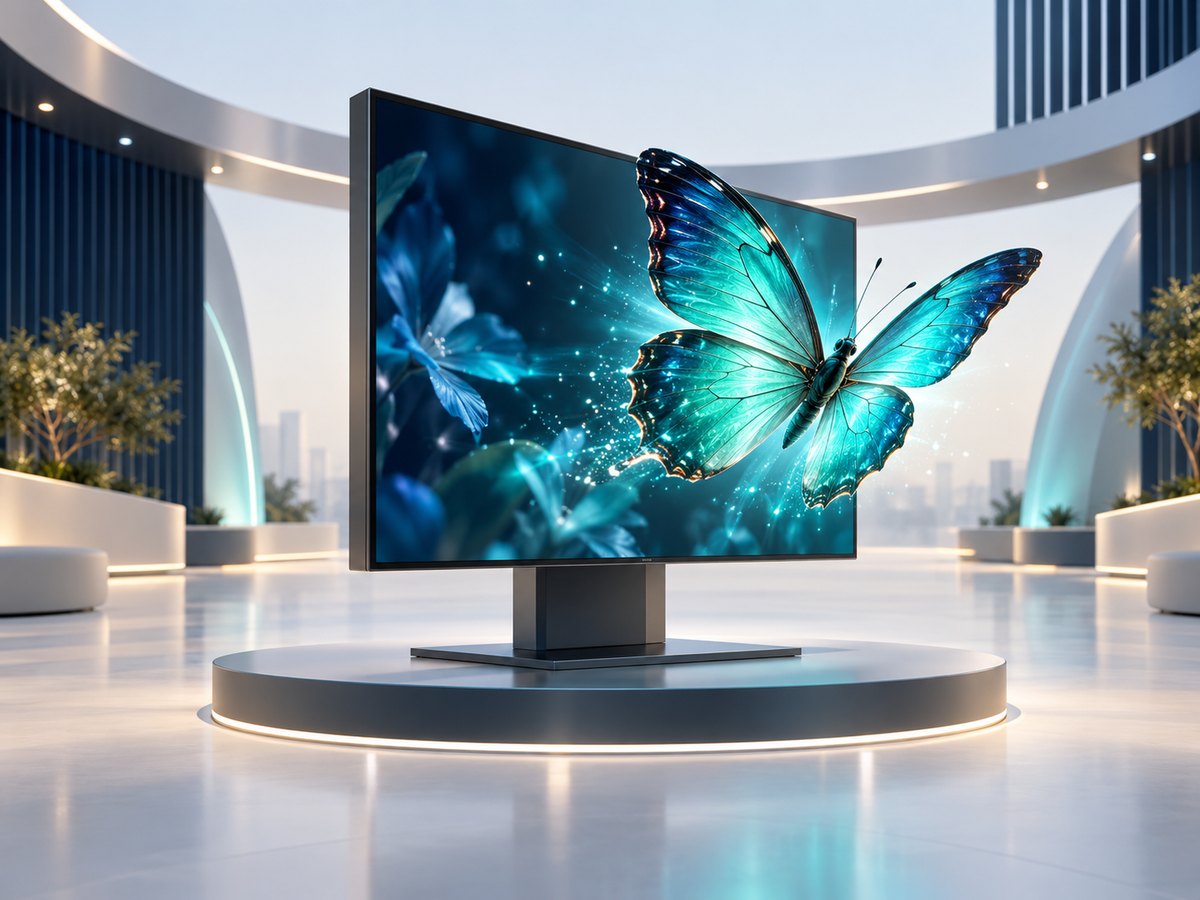
Stops people mid-stride.
Passers-by see the ad in 3D with their own eyes. No glasses, no app, no setup on their side.
- Nothing to wearA lens film on the panel sends a different view to each eye.
- Mini-LED FALD backlightMade by EB-LCM. Zone-by-zone contrast makes the depth easier to see.
- Calibrated one by oneEvery unit is calibrated before it ships, and the calibration is pre-loaded.
One lens per nine pixels.
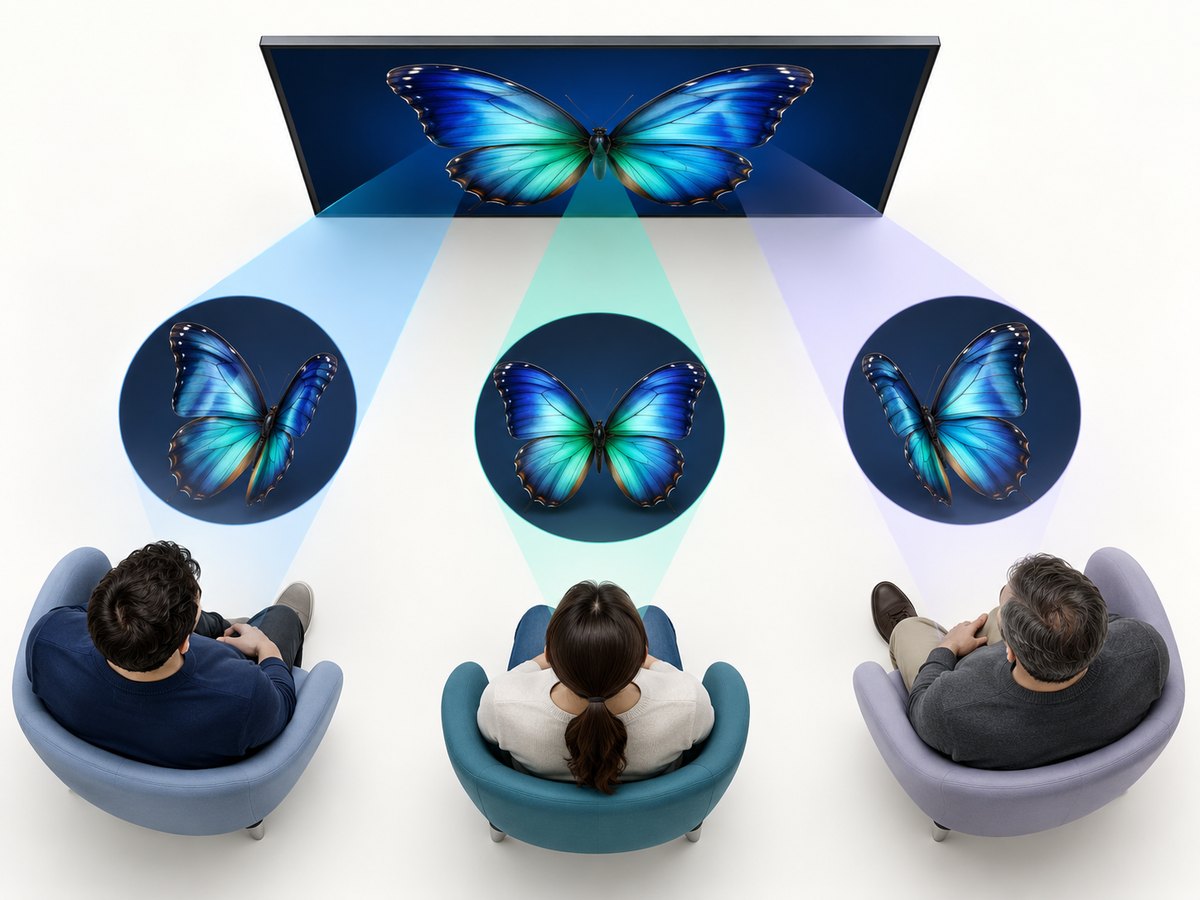
Move the viewer's head across the diagram. Under every lens, each eye lands on a different pixel column, so each eye sees a different view.
- 01
The lens splits the light
A lenticular lens film is precisely bonded to the LCD. Each lens sits over a set of pixel columns and sends each column in a slightly different direction.
- 02
Each eye gets its own view
Your eyes are a few centimetres apart, so through every lens they land on different columns: two slightly different pictures.
- 03
Your brain builds the depth
The two views merge into one image with depth. With nine views, the 3D holds as you walk left and right through the viewing zone.
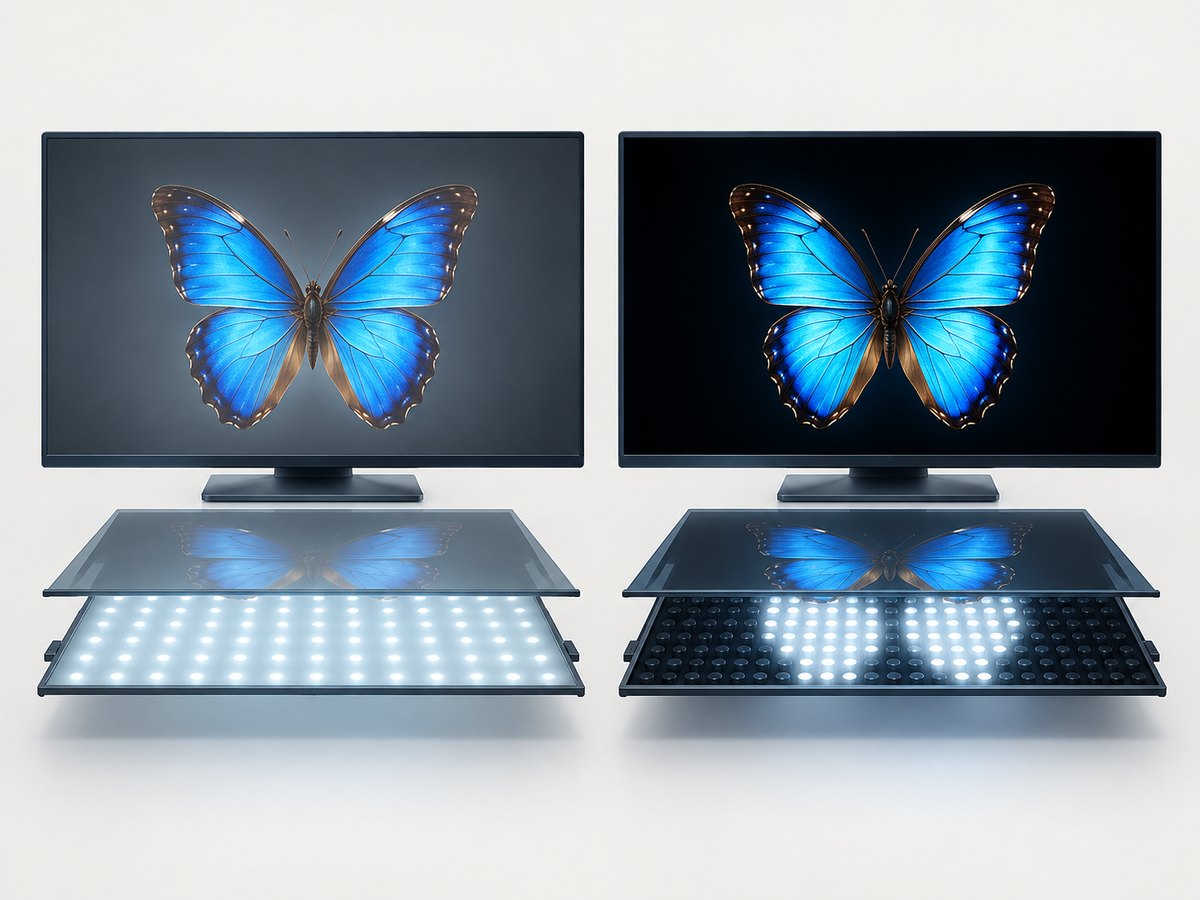 Uniform backlightMini-LED FALD
Depth needs contrast.
3D depth comes from the gap between subject and background. EB-LCM's FALD backlight widens that gap zone by zone, following the picture.
- Brighter highlightsZones behind bright subjects get more light, changing with every frame.
- Deeper shadowsZones behind dark backgrounds dim down, so the subject seems to float.
Perceived contrast depends on ambient light and screen reflections. For bright or outdoor sites, we assess performance on location.
Three layers, tuned as one.
Each unit carries its own calibration file, loaded before shipment, so the lens and pixels stay aligned without on-site setup.
Three sizes, one optical recipe.
Active area assumes a 16:9 landscape panel. Other sizes on request.
- Sizes
- 15.6″ / 27″ / 55″Other sizes on request
- Panel resolution
- 4K · 3840 × 2160
- 3D method
- Lenticular glasses-free 3DNo glasses needed
- Views
- 9-view multi-view 3D
- Backlight
- Mini-LED FALDFull-array local dimming by EB-LCM
- 3D viewing range
- Measured per modelConfirmed at the target viewing distance and position
- Calibration
- Every unit, before shipment
Nine camera angles, one 4K frame.
Each frame holds the same scene shot from nine angles, laid out 3 × 3. Pick a tile, or drag across the preview to look around the scene like a passer-by would.
Sample 9-grid frame. Concept content.
Not sure your content suits 3D? Send us a sample and we will tell you how it will play.
Planned around where people walk.
- Strongest at the designed distanceWalking sideways passes through repeating viewing zones. A brief ghost can appear at a zone boundary and clears with a small step.
- Placed for your foot trafficBefore installation we recommend placement and viewing distance based on how visitors move through the site.
The 2D viewing angle and the 3D viewing range are separate specifications. The 3D range is confirmed per model by measuring at the target distance and positions.
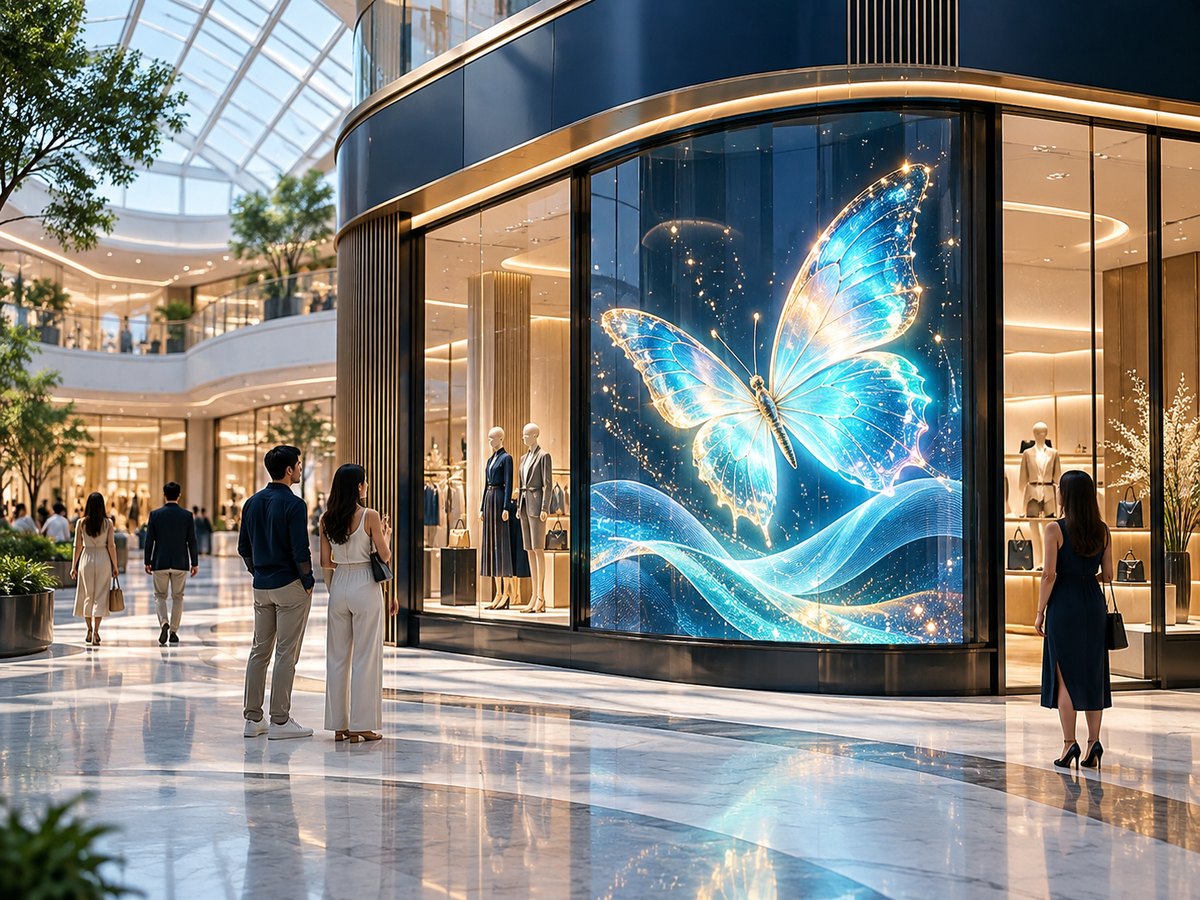
Made for places with a few seconds to win.
- Shopping mallsStand out in the crowd and keep people looking longer.
- Brand windowsProducts seem to float out of the glass, and stay in memory.
- Exhibitions and eventsA focal point that pulls visitors into the booth.
See it first. Then decide on scale.
- 01
Live demo
See the 3D effect on a real unit, using your own content.
- 02
On-site pilot
Tune brightness, viewing distance and placement for the actual site and visitor flow.
- 03
Results review
Compare dwell time and engagement before you choose how far to roll out.
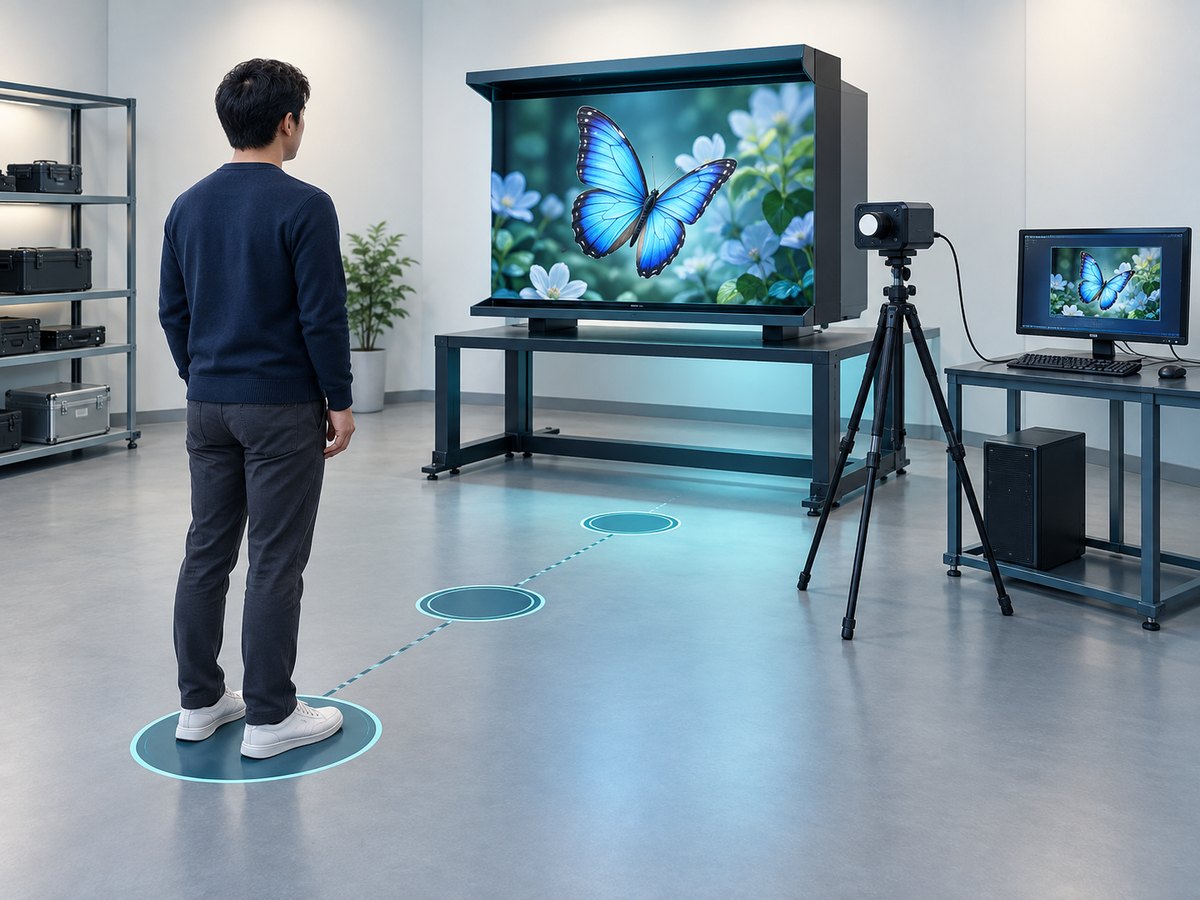
What we check during a pilot
- 3D viewing quality. Viewing distance, effective angles and smoothness as people move.
- Brightness and contrast. Performance under the site's real ambient light.
- Content playback. Depth, comfort and stability with your actual content.
Good questions.
Do viewers need 3D glasses?
What is the best viewing distance?
Is brief ghosting while walking normal?
Is it comfortable to watch for a long time?
How is 3D content prepared?
See the depth for yourself.
Glasses-free 3D has to be seen with both eyes. Bring your own content and we will set it up at your target viewing distance.